

How to Use Status Monitor with Fisher ValveLink Mobile Software
2:23
Learn how to use the status monitor with Fisher ValveLink Mobile software.
Related Videos
For "valvelink"
-
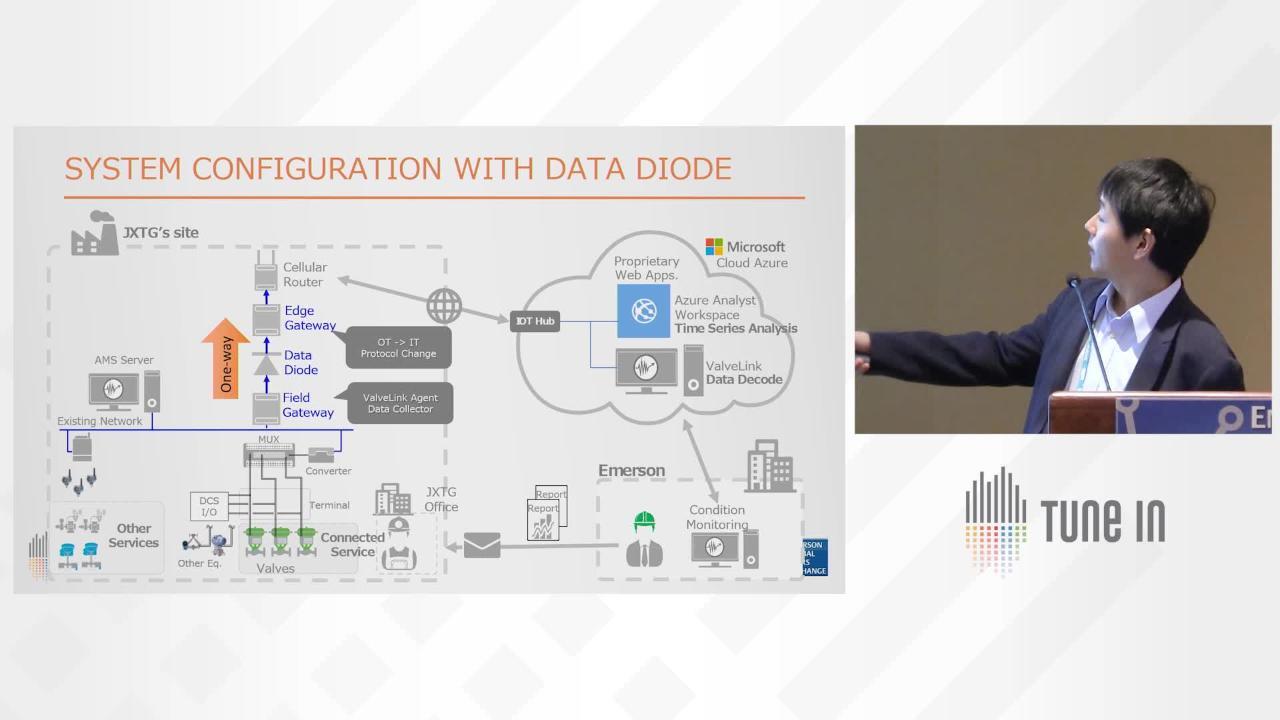
Play video Global Reach Into Japan - Connected Services for Valves at JXTG Refinery
Global Reach Into Japan - Connected Services for Valves at JXTG Refinery
The JXTG refinery in Chiba, Japan, has a 129KBD CDU unit. AMS was installed in 2008, and 144 critical control valves with DVC positioners were connected to AMS and ValveLink.
32:56
-
Play video Fisher ValveLink DTM Installation and Setup
Fisher ValveLink DTM Installation and Setup
Fisher ValveLink DTM Installation and Setup
6:53
-
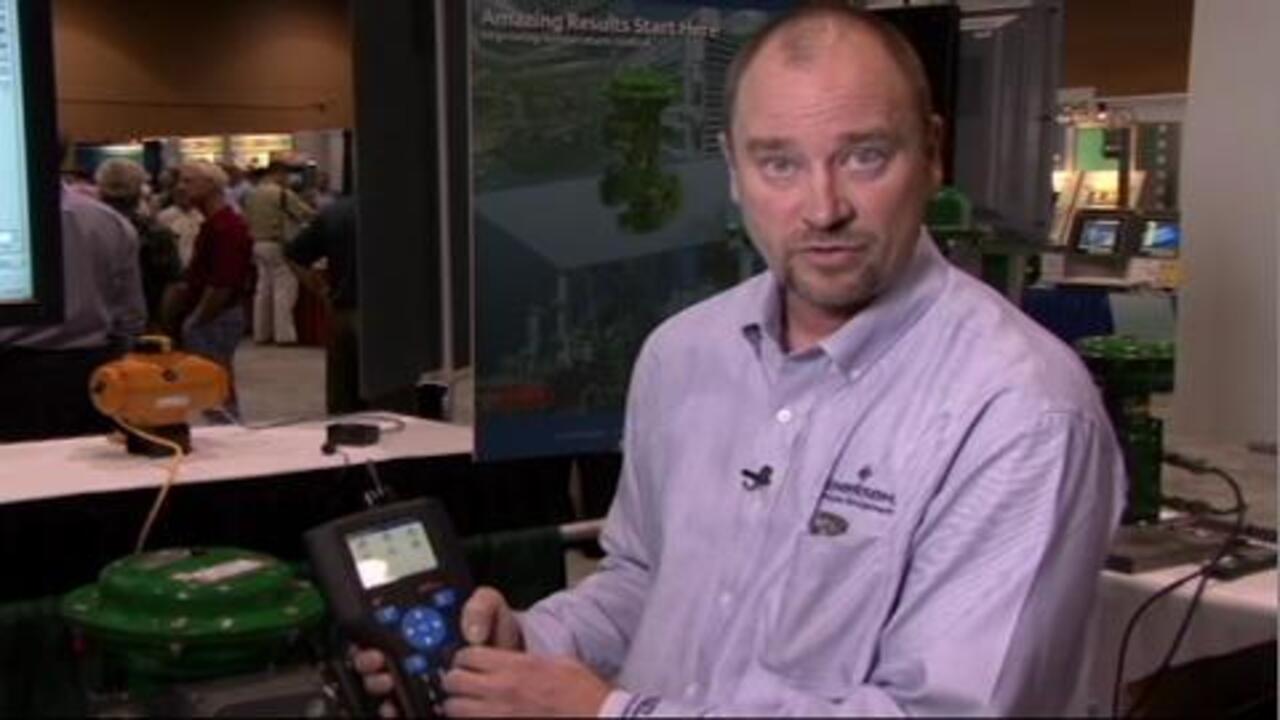
Play video Fisher Fieldvue ValveLink Mobile Software
Fisher Fieldvue ValveLink Mobile Software
Lorin Miller explains the application of ValveLink Mobile Software and demonstrates the ease of use of this new diagnostics tool that is used on control valves with FIELDVUE digital valve controllers.
4:47
-
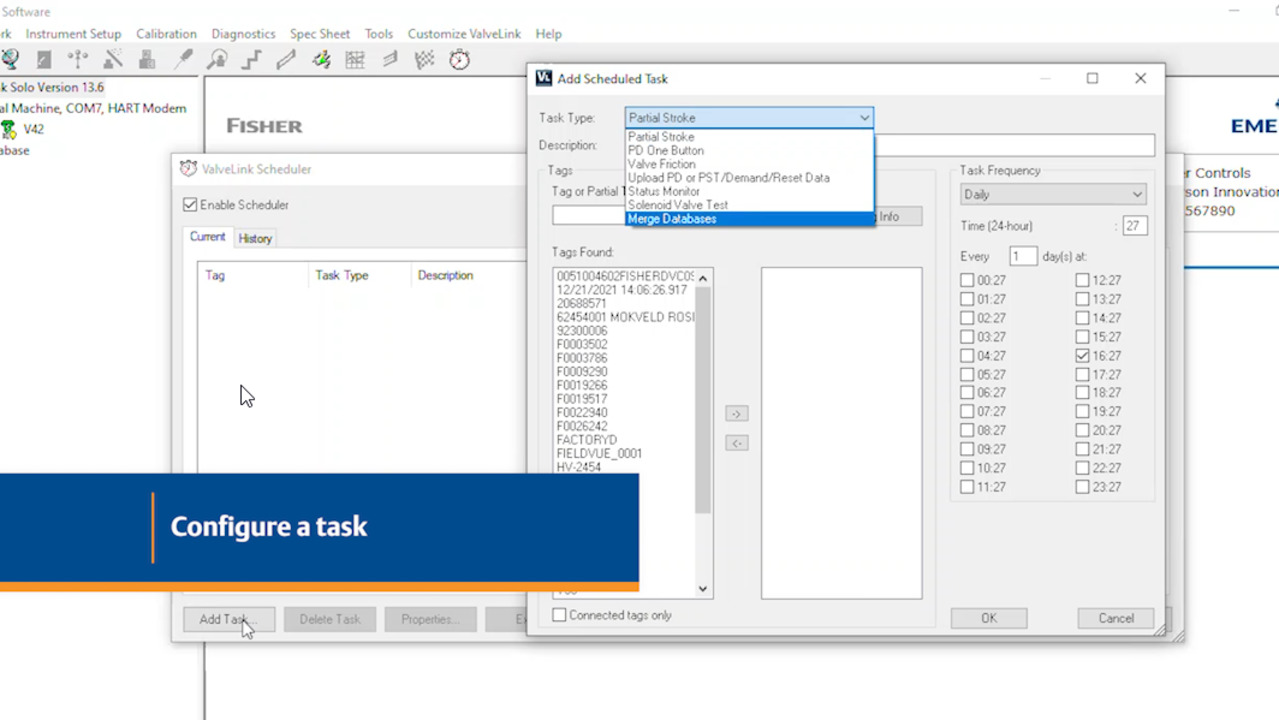
Play video How to Configure Scheduler in Fisher ValveLink Software
How to Configure Scheduler in Fisher ValveLink Software
In this video we're going to show you how to configure Scheduler in Fisher ValveLink software. Scheduler allows you to specify a time and date to automatically run tasks on a regular basis. To begin, launch ValveLink software and follow along the...
4:16
-
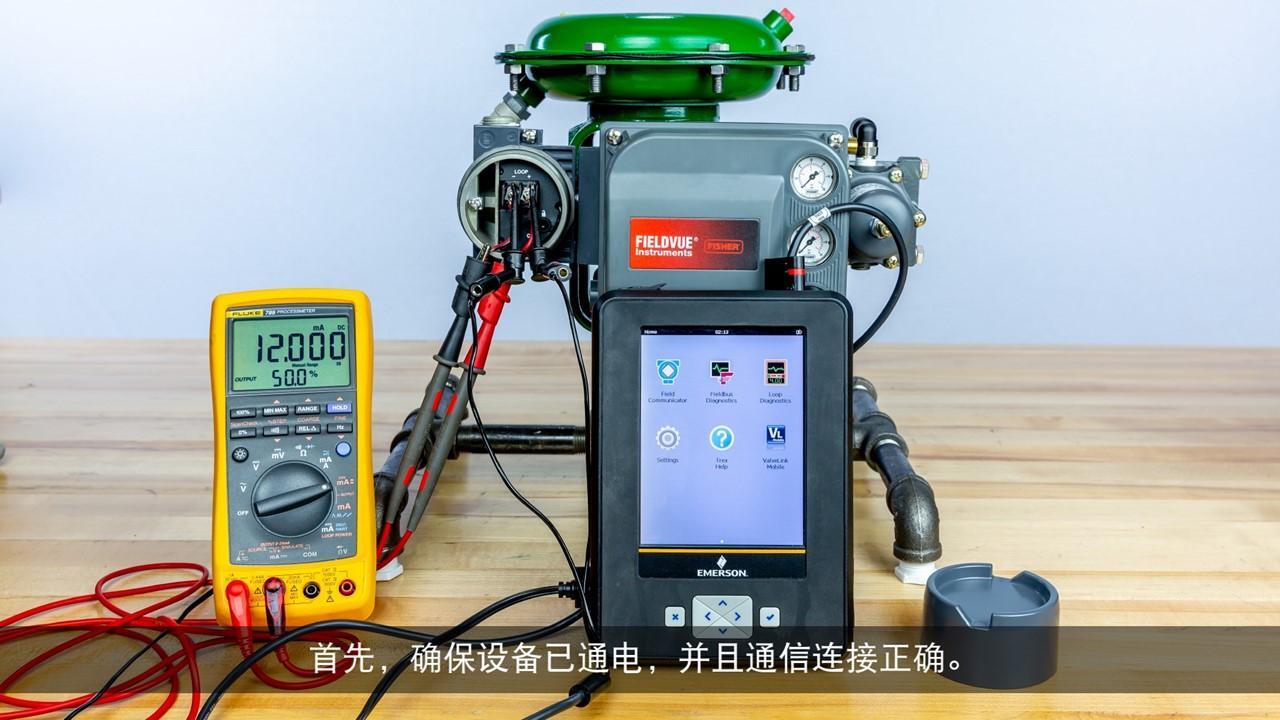
Play video 如何使用Fisher ValveLink软件执行全面诊断 (How to Perform the Total Scan Diagnostic with Fisher ValveLink Mobile Software)
如何使用Fisher ValveLink软件执行全面诊断 (How to Perform the Total Scan Diagnostic with Fisher ValveLink Mobile Software)
了解如何使用Fisher ValveLink软件执行全面诊断。
2:36
-
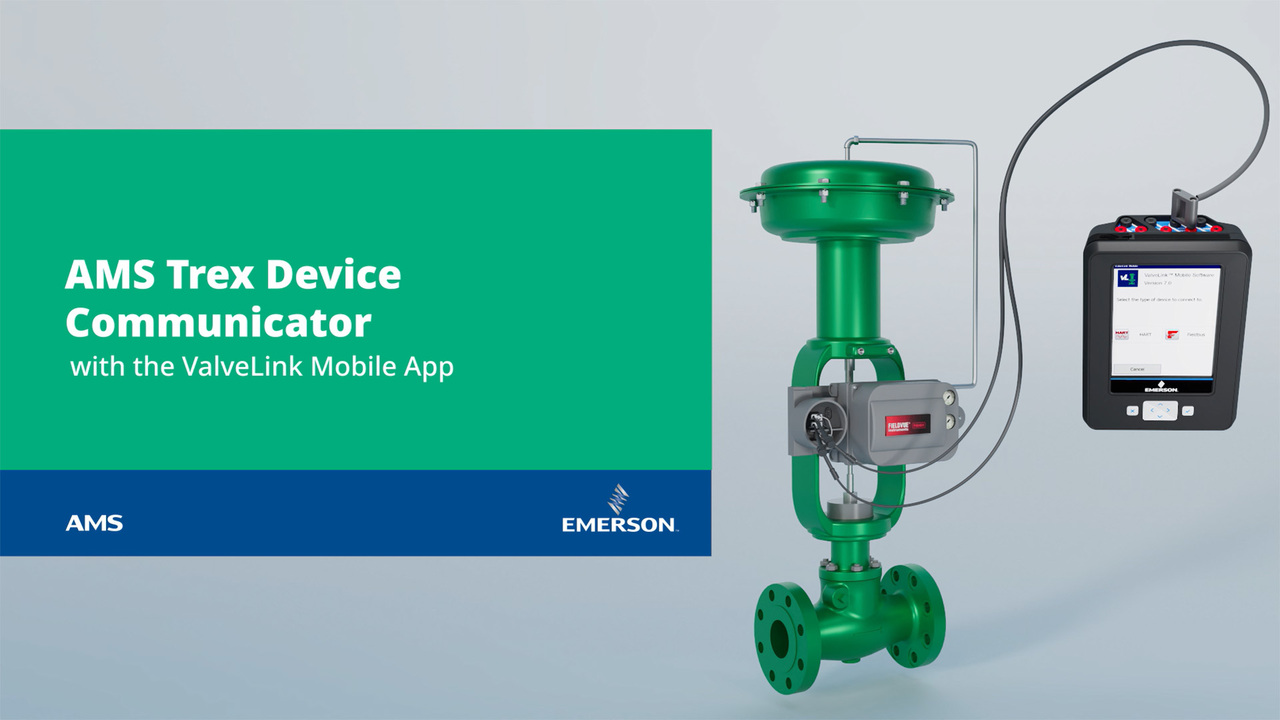
Play video AMS Trex Device Communicator | The Next Generation is Here — ValveLink Mobile App
AMS Trex Device Communicator | The Next Generation is Here — ValveLink Mobile App
The ValveLink Mobile app on the next-generation AMS Trex Device Communicator proactively monitors valve health and diagnoses valve issues while providing an ultra-modern, guided, time-saving experience that inspires confidence
2:23