如何校准罗斯蒙特™3051S多参量压力变送器-使用AMS Trex设备手操器
5:49
如何校准罗斯蒙特™3051S多参量压力变送器-使用AMS Trex设备手操器
Related Videos
For "trex"
-
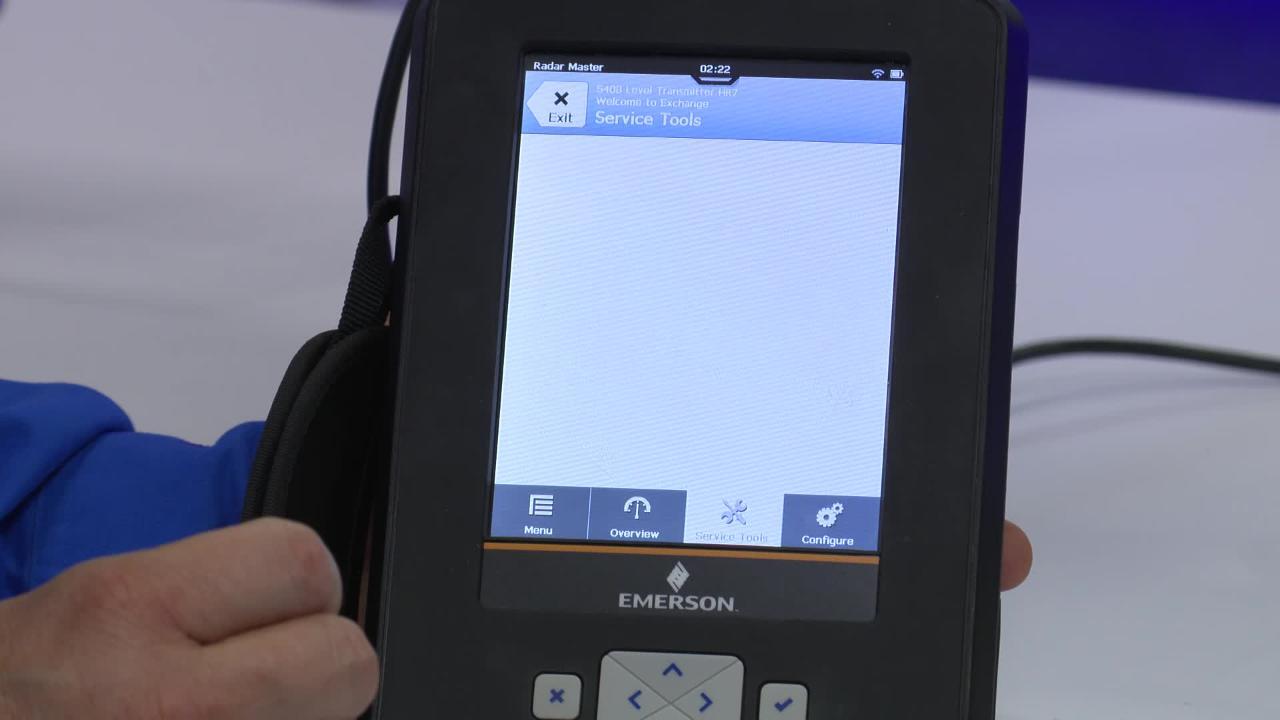
Play video Configure Rosemount Radar Devices with AMS Trex and Radar Master
Configure Rosemount Radar Devices with AMS Trex and Radar Master
Stephen West demonstrates how the Radar Master app for AMS Trex enables you to configure radar devices in the field. User-friendly wizards and an echo plot view guide you through the configuration process in minutes.
3:05
-
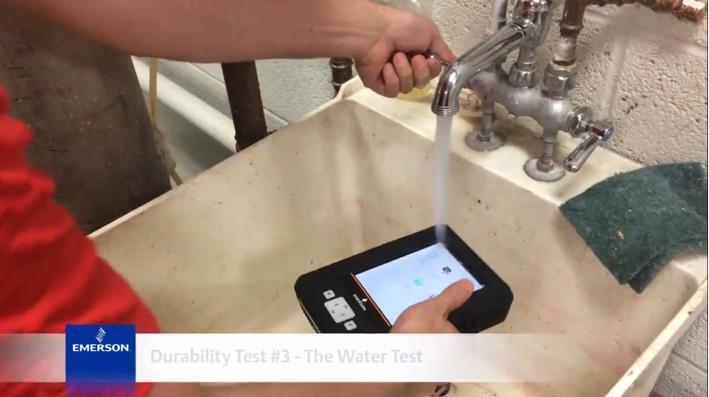
Play video AMS Trex Durability Tests
AMS Trex Durability Tests
A quick look at the ways the AMS Trex Device Communicator was tested to prove its suitability for rugged field conditions - including surviving an Olympic athlete shot put throw.
1:47
-
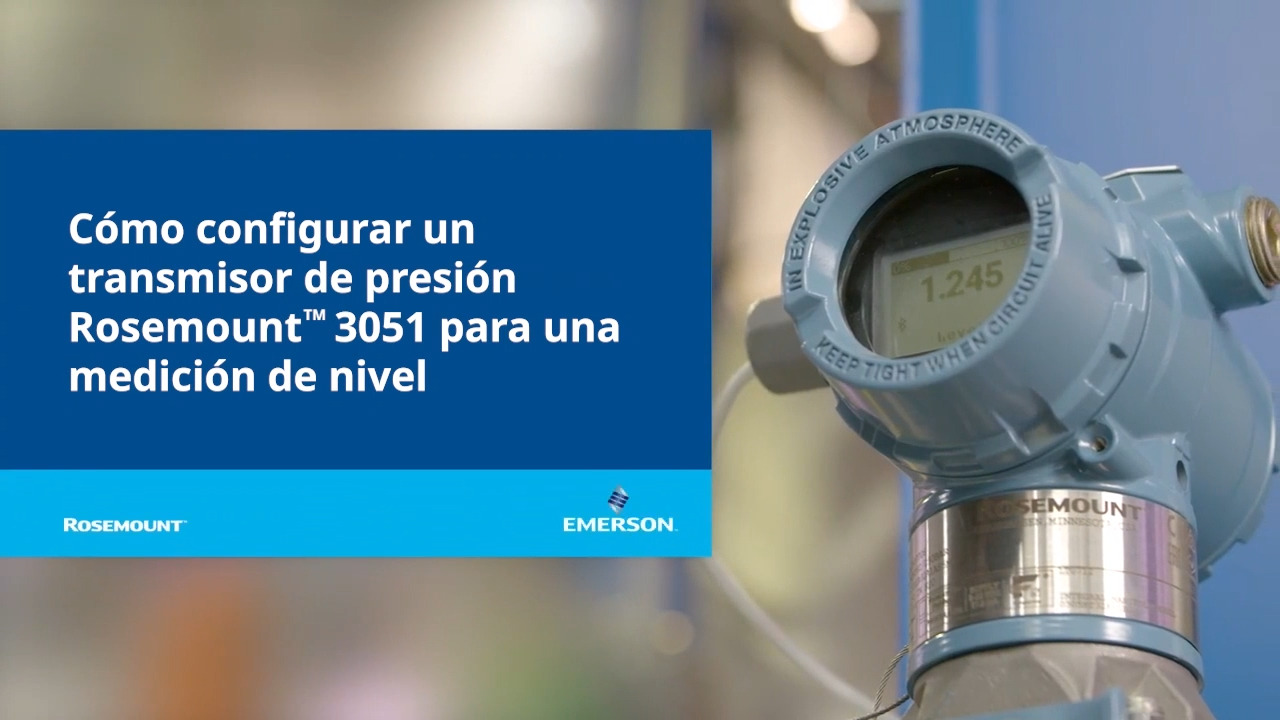
Play video Cómo configurar un transmisor de presión Rosemount 3051 para una medición de nivel
Cómo configurar un transmisor de presión Rosemount 3051 para una medición de nivel
El transmisor puede configurarse para aplicaciones de medición de nivel o volumen utilizando cualquier host HART®, como el administrador de dispositivos AMS, AMS Trex® o la aplicación AMS Device Configurator Bluetooth®.
2:01
-
Play video Removing analog offsets using pre-determined values
Removing analog offsets using pre-determined values
Trim the analog output using Trex.
2:54
-
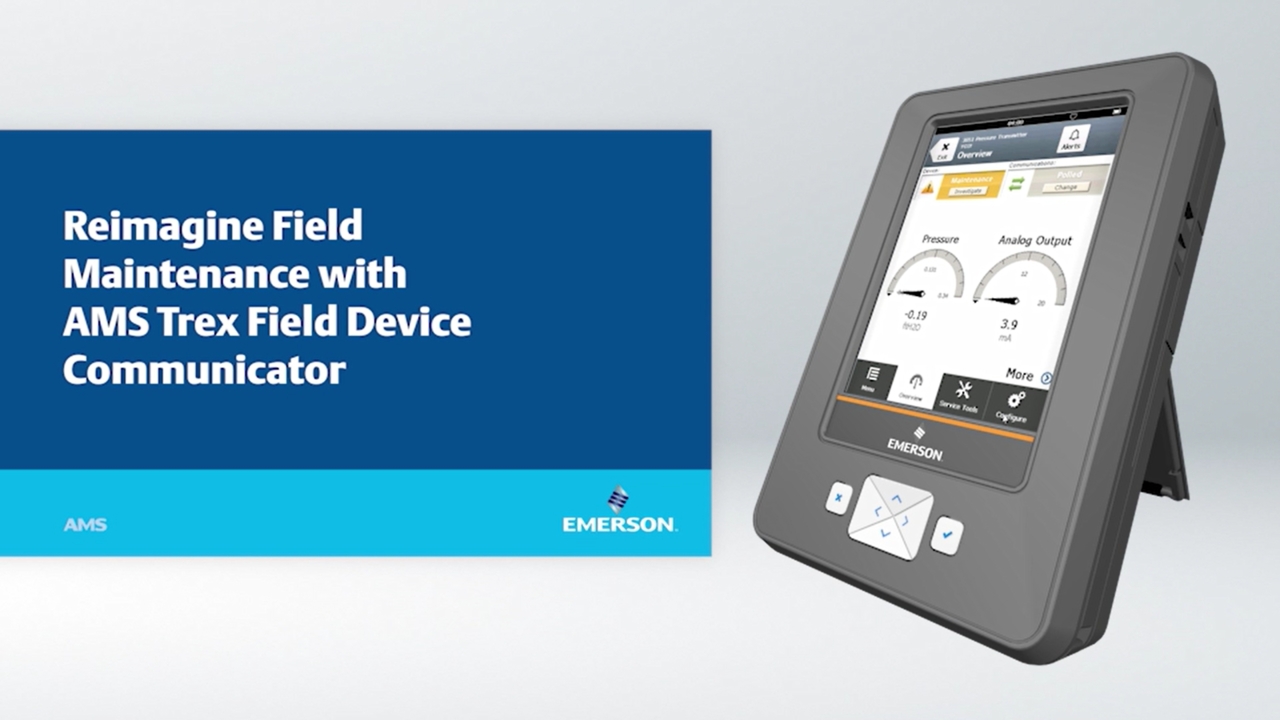
Play video Bayer Crop Science Reimagines Field Maintenance with AMS Trex
Bayer Crop Science Reimagines Field Maintenance with AMS Trex
With the AMS Trex Field Device Communicator, you can do more in the field than ever before, including commission and validate devices faster, run advanced diagnostics, configure and test valves inline, and power devices directly from the Trex unit...
3:54
-
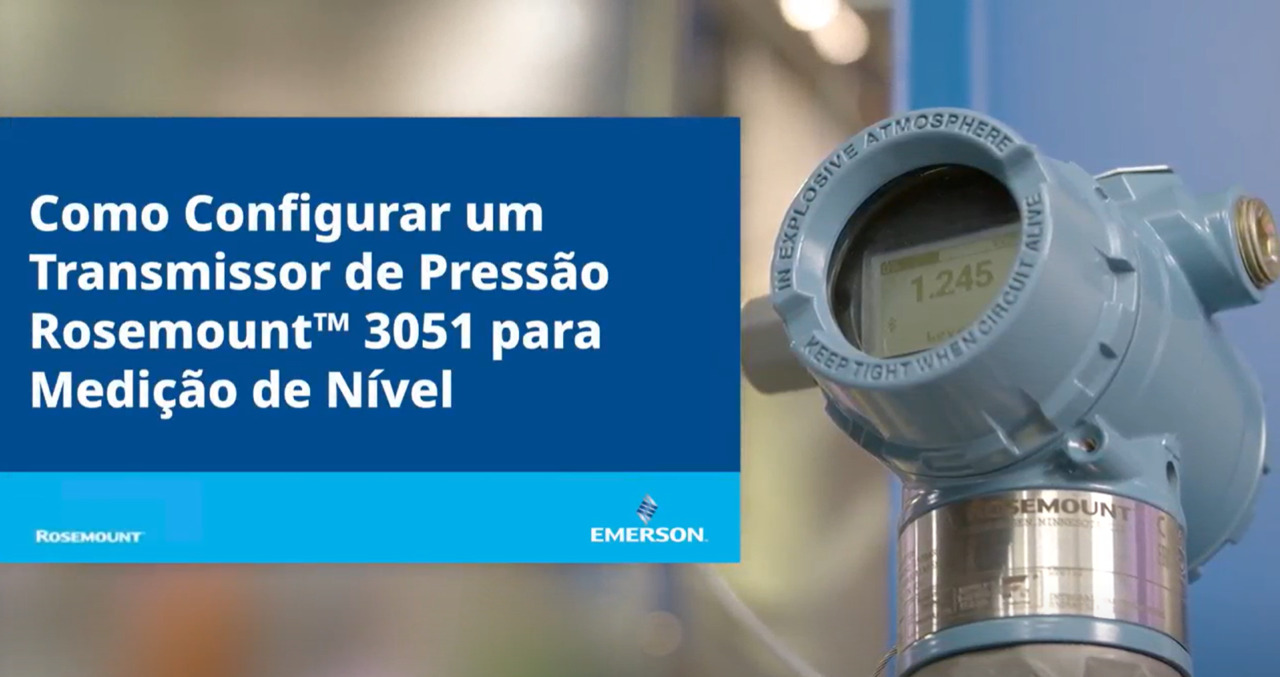
Play video Como configurar um transmissor de pressão Rosemount™ 3051 para medição de nível
Como configurar um transmissor de pressão Rosemount™ 3051 para medição de nível
O transmissor pode ser configurado para aplicativos de medição de nível ou volume usando qualquer host HART®, como o gerenciador de dispositivos AMS, AMS Trex® ou o aplicativo AMS Device Configurator Bluetooth®.
2:20